




























When production planning and workforce scheduling are disconnected.
Machines and orders may be planned optimally. However, if the required workforce is not available, the plan still cannot be executed.
Typical challenges:
- Workforce availability is only considered after the production plan has been created
- Employee assignments are performed manually
- Short-term changes create a high coordination effort
- Workforce availability and qualifications are not visible in a single view
- Production planners rely on Excel spreadsheets or standalone solutions
Central function of workforce scheduling.
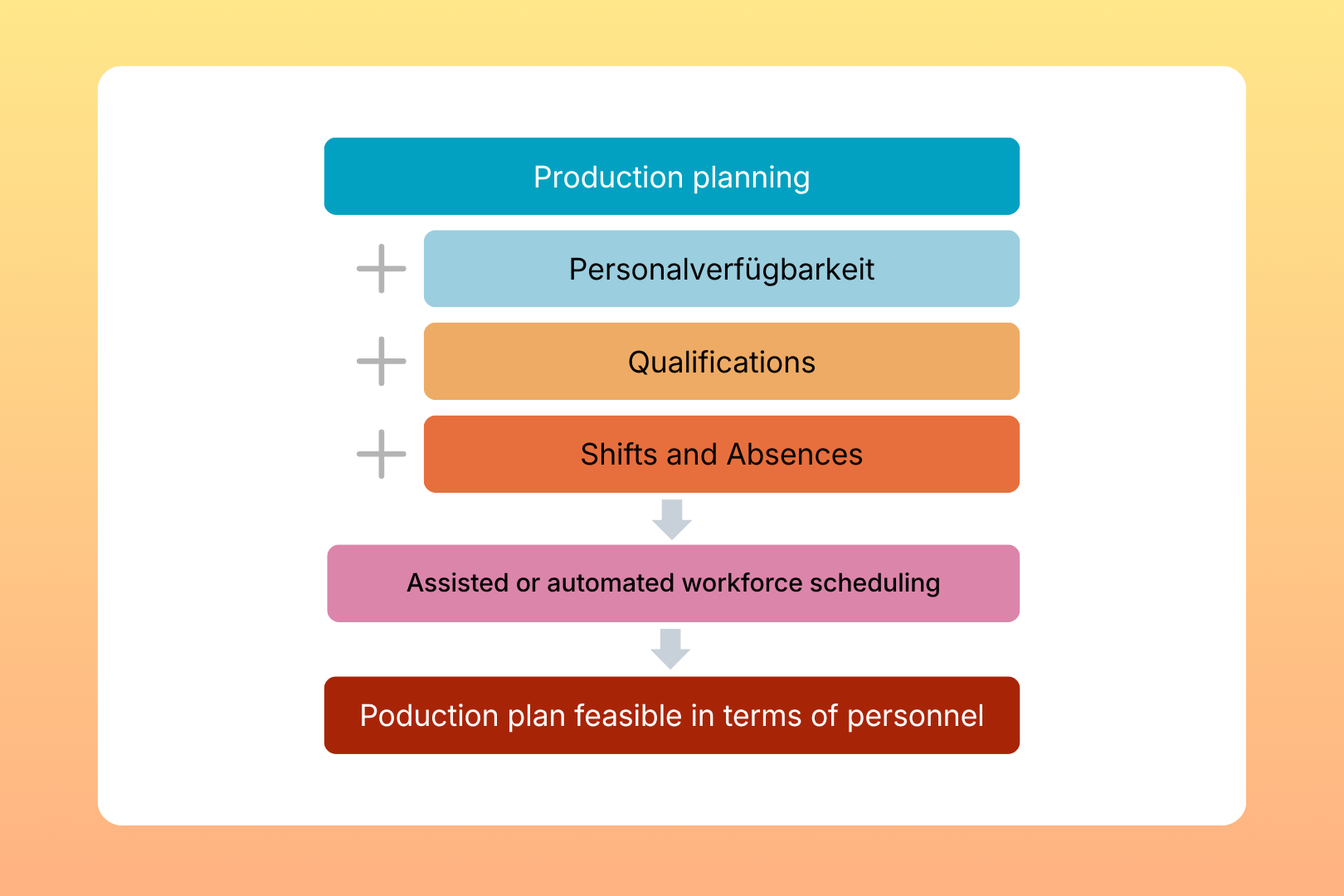
From Production Planning to Executable Planning
This is exactly where MCP Workforce Management positions itself as an operational control layer between production planning and reality.
The benefits for your production
- Higher plan execution reliability
- Reduced manual planning effort
- Better utilisation of available workforce capacity
- Fewer short-term rescheduling activities
- Greater transparency
- More stable production processes

Standalone or Integrated
MCP Workforce Management can be used as a standalone workforce scheduling solution or to complement existing planning systems.Possible integrations include: ERP, APS, MES, and HR systems.
Interaction with other MCP Workforce Management modules
Qualification-management
Who is qualified for what?
Staff scheduling
Who is available?
Shift planning
Who works when?
Shopfloor Monitor
What is actually happening?
Relevant Use Cases
– Workforce Capacity Planning
– Skills-based Workforce Assignment
– Shift Planning for Manufacturing