




























When Manual Production Becomes a Black Box
Automated equipment often provides extensive operational data. In contrast, comparable information is frequently unavailable for manual production processes.
Typical challenges:
- Lack of visibility into production progress
- Manual production feedback processes
- Delayed ERP postings
- Production deviations are identified too late
- High coordination effort
- Planned and actual execution are difficult to compare
Central Functions of Shopfloor Monitoring
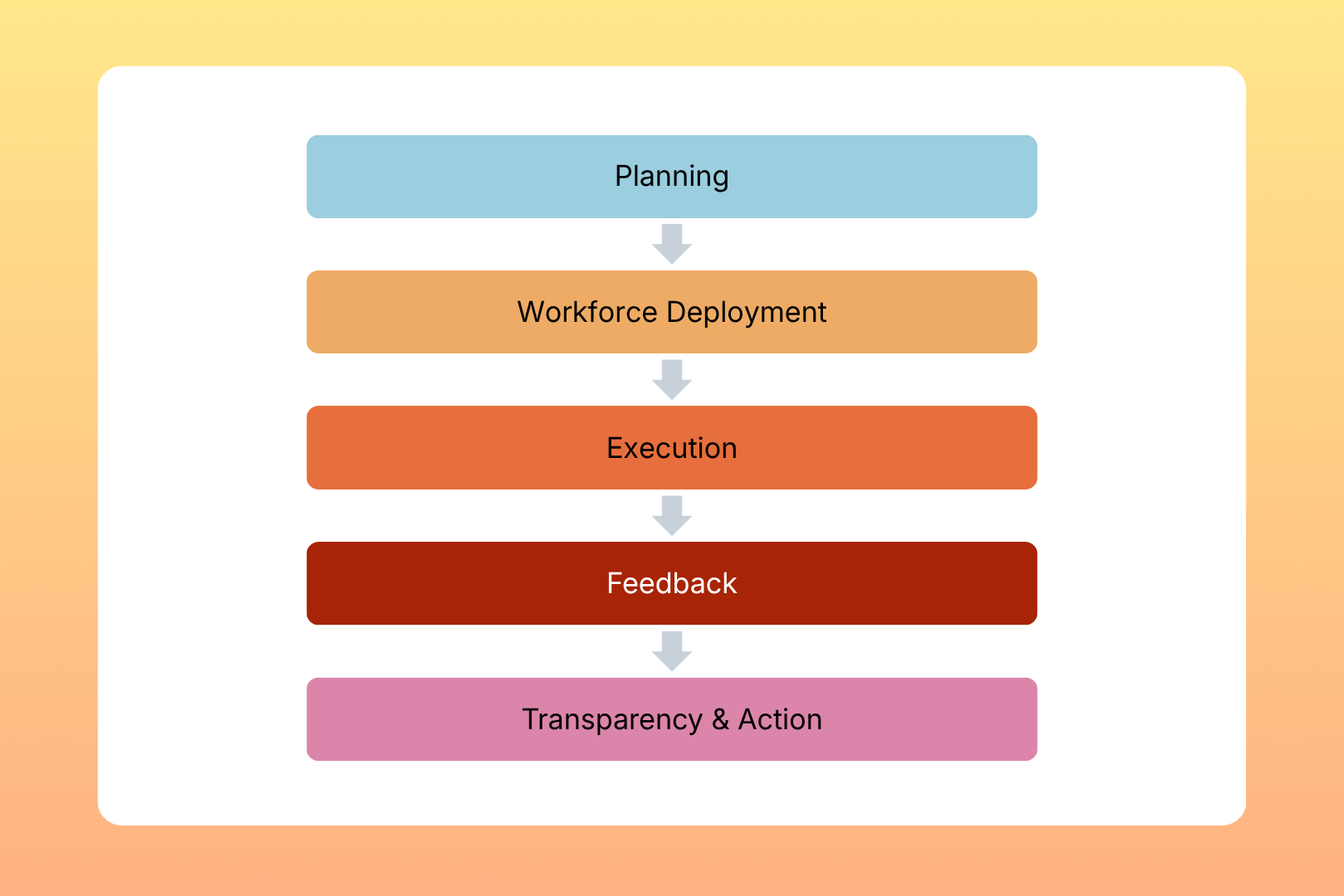
From the Production Plan to a Closed Loop
This is how the Shopfloor Monitor closes the operational gap between planning and reality.
The benefits for your production
- Greater real-time transparency
- Faster response to deviations
- Reduced manual coordination effort
- More reliable production feedback
- Better traceability of manual production processes
- More robust data for process improvement initiatives

Integration with Your Production Environment
The Shopfloor Monitor can be integrated into existing production and planning systems.This allows production information to be imported and feedback to be transferred to connected systems.In combination with MCP Workforce Management, it creates a seamless connection between Workforce Planning and Shopfloor Execution.
Relevante Use Cases
– Production Status Tracking
– Qualification-based Workforce Assignment